MEOMEO WEDDING

Free Online Invitation Maker

Design a wedding, engagement or birthday invitation with music, photos, the lunar date and a map, then send one link to your guests on Zalo or Messenger. Each guest's personal link shows an invitation with their own name.

Design your card in 5 minutes

No account needed to design and preview. Log in for free when you are ready to get the link.

  • Free
  • Background music
  • Lunar date
  • Personal guest links
Create a card →

As pretty as paper, made for phones

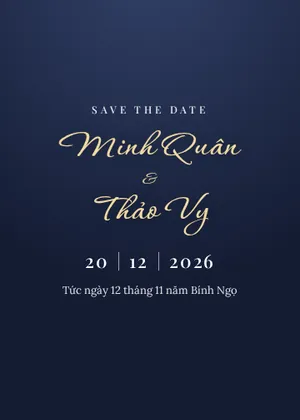
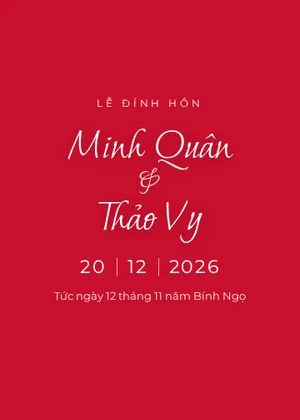
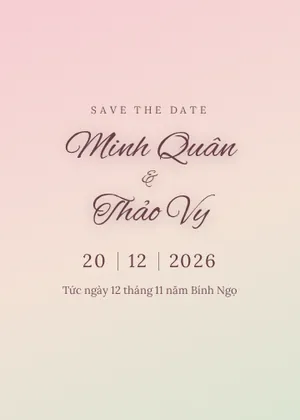
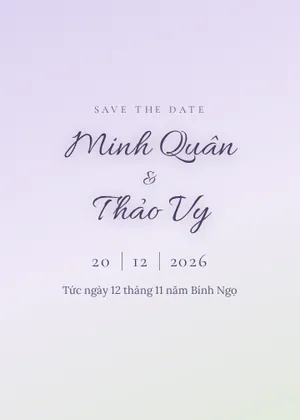
An envelope to open, your photos and falling petals. 14 designs such as red and gold Double Happiness, Royal navy, Lavender, Black and gold and Balloons. Pick your own colors, 30+ fonts with Vietnamese accents, and save your own template.

Music and lunar date

Pick a ready instrumental track or upload your own MP3. The solar date comes with the lunar date, a month calendar and a countdown.

Invitation with each guest's name

The card has a “You are cordially invited” section with the guest's name, time, date, lunar date and venue. Guests can also leave wishes on the card.

QR gift box and personal links

A VietQR code that every Vietnamese banking app can scan. Create a link per guest so the card greets them by name.

What This Tool Does and Its Limits

What it does: Creates online wedding, engagement and birthday invitations with 14 designs, custom colors and fonts, music, photos, lunar date, map, named guest invitation, guest book, VietQR gift box and personal guest links.

What it does not do: No image or PDF export for printing yet, no first-birthday or housewarming cards yet; it does not send messages for you.

Limits: Designing needs no account; getting the link requires login. Up to 10 cards per account, 20 photos and 1 music track (8MB) per card.

Your data: Drafts stay in your browser. When you publish, the card and photos (compressed, EXIF/GPS removed) are stored on MEOMEO's server and card pages are not indexed by Google. Cards are deleted 2 months after the event, with an email reminder 14 days before and one extension of 1 month.

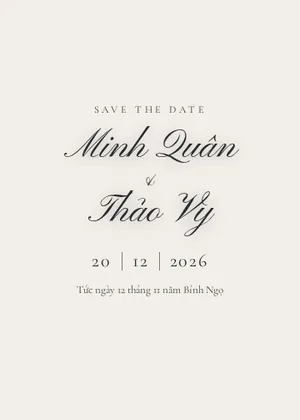
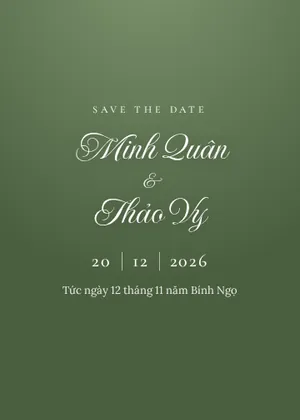
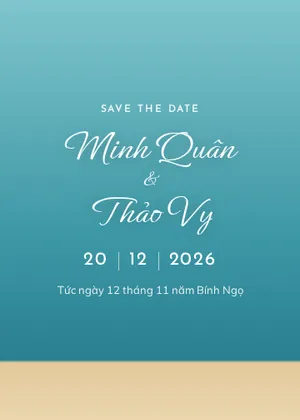
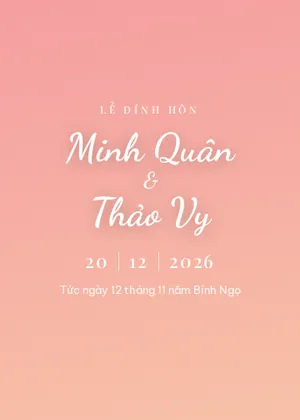
14 Online Wedding, Engagement and Birthday Card Designs

How to Create an Online Invitation and Share the Link

  1. Choose a card type and design Wedding, engagement or birthday. You can switch designs any time without losing your content.
  2. Fill in the details Names, both families, ceremony times, venue and map link. The lunar date is calculated automatically.
  3. Add photos and music Photos are compressed on your device and location data is removed before upload. Your draft is saved in the browser.
  4. Get the link and send it Log in, click “Get link”, copy it or create a personal link for each guest and send it on Zalo or Messenger.

Invitation Wording for Wedding, Engagement and Birthday Cards

Copy a line and paste it into the “Invitation” text on your card. {khách} is replaced with each guest's name, so the personal link for Long reads “…the honor of Long's presence…”.

For relatives and elders

Together with our families, we request the honor of {khách}'s presence at the wedding celebration of our children. Your presence would mean a great deal to our family.

For close friends

We're getting married! We'd love for {khách} to come celebrate and raise a glass with us on our big day.

For your boss and colleagues

We kindly invite {khách} to our wedding reception. Thank you for all your support at work. It would be a pleasure to welcome you on our special day.

For guests who live far away

Since we can't hand you this invitation in person, we're sending it here. We hope {khách} can join us. If the trip isn't possible, a few kind words from you would still mean so much.

For an engagement ceremony

We warmly invite {khách} to join our family at the engagement ceremony of our children.

For a child's birthday

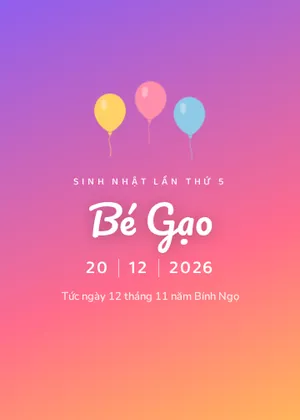
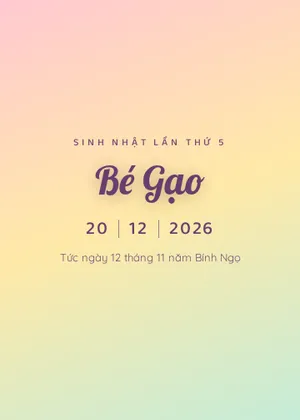
Bé Gạo is turning 5! We'd love {khách} to come to the birthday party, with cake, balloons and lots of fun games.

For an adult's birthday

Another year older, and I'd love to have {khách} there. Please come to my birthday party. Just bring your smile.

How to write the guest's name

  • Elders: use their title and full name, e.g. “Mr. and Mrs. Nguyen Van Binh”.
  • Friends and colleagues: “Long”, “Hoa”. Add “and family” to invite the whole family, or “and partner” for a couple.
  • Not sure, or sending one link to many people: keep the default “our guest”.
  • Check spelling before sending, and open the personal link once to see that the sentence reads well.

How Is an Online Invitation Different From Paper?

Guests far away get the card instantly in a message instead of waiting for the post. The card has an invitation with the guest's name, directions and an add-to-calendar button.

Many families still hand paper cards to grandparents and elders and send the online card to friends and colleagues. You can print the link as a QR code on the paper card so guests can open the photos.

How Is the Lunar Date Written on a Vietnamese Wedding Card?

Vietnamese wedding cards usually add the lunar date, such as “the 12th day of the 11th month, year of Bính Ngọ”. The tool converts dates with the Vietnamese lunar calendar (GMT+7), including leap months, and shows the weekday.

The Vietnamese and Chinese lunar calendars occasionally differ by one day because of the time zone, so if your family chose the date from an almanac, double-check it before sending.

Frequently Asked Questions

Is the online invitation maker free?
Yes. Each account can keep up to 10 cards at a time, each with up to 20 photos and one music track.
Can the card play music?
Yes. Choose a ready instrumental track such as Canon in D or the Wedding March, or upload an MP3 up to 8MB. Music starts when the guest taps “Open”.
How do I put each guest's name on the card?
On the card's manage page, paste a list of names, one per line, and click Create links. Each guest gets a link that shows their name on the envelope and card.
Will my card show up on Google?
No. Card pages are blocked from search indexing, so only people with the link can see them. You can hide or delete a card at any time.
How long is the card kept?
Cards are deleted 2 months after the main event. We email you 14 days before, and you can extend once by another month to keep it.